
A fiduciary firm in Fribourg installs a chat on its site on a Monday morning, receives three questions during the day, then a fourth on Saturday at 10 p.m., which goes unanswered until Tuesday. The visitor does not come back. That is the real issue: a WordPress chat plugin installs in ten minutes, but it commits the business to answering, and it routes what your clients type into the bubble through a foreign vendor. Our position is simple. We choose the tool first according to the team that will answer and the place where the conversations will be stored, and only then according to features, which look very similar from one vendor to the next.
The 2023 version of this comparison still recommended tools that are no longer distributed or no longer maintained. This one covers ten plugins available today in the official WordPress directory, compared on the same criteria.
WordPress chat plugin: comparison of 10 plugins
Active installation figures and update dates are those of the wordpress.org directory as of 12 November 2026, the day on which the current version of WordPress is 7.1.4. Prices are those each vendor publishes, in its own currency and excluding VAT. None of them shows prices in Swiss francs.
| Plugin | Active installations | Last updated | Free version | Public entry price | Conversation hosting | AI agent |
|---|---|---|---|---|---|---|
| Tidio | 70’000+ | 1 September 2026 | Yes, 50 conversations per month | USD 24.17 per month (Starter) | Servers in the European Economic Area | Yes, Lyro (50 conversations included, then from USD 32.50 per month) |
| Crisp | 10’000+ | 21 October 2026 | Yes, 2 agents, no AI credits | 45 dollars per month (Mini, 4 agents) | European Union (Netherlands and Germany) | Yes, Hugo, using the AI credits of paid plans |
| LiveChat | 10’000+ | 25 May 2026 | No, 14-day trial | 19 dollars per user per month (annual) | EU or United States, depending on sign-up | Yes, included with a quota of resolutions |
| tawk.to | 100’000+ | 14 January 2026 | Yes, unlimited agents | 29 dollars per month to remove the branding | United States (Google Cloud) | Yes, AI Assist, from 29 dollars per month |
| Smartsupp | 20’000+ | 4 October 2026 | Yes, 1 operator, 25 conversations per month | USD 17 or EUR 14 per month (Solo) | Mainly EU, partly in the United States and elsewhere | Yes, Mira, optional from USD 16 per month |
| HubSpot | 200’000+ | 16 September 2026 | Yes, 2 users, HubSpot branding | AI agent from Service Hub Professional, USD 90 per seat per month | Data centre assigned to the account (United States, Germany, Canada or Australia) | Yes, Customer Agent, from the Professional plan |
| 3CX Live Chat | 100’000+ | 20 October 2026 | Yes, up to 10 users | Annual licence from USD 300 per year (Basic) | Hosted by 3CX, region not specified | AI features reserved for the AI edition, from USD 575 per year |
| Lime Connect (formerly Userlike) | 800+ | 11 November 2026 | Yes, 1 seat, 200 conversations | EUR 87 per month, billed annually (Pro, 3 seats minimum) | Germany | Yes, Connect AI Agent, optional from EUR 99 per month |
| LiveAgent | 400+ | 6 October 2026 | No, 30-day trial | USD 15 per agent per month, billed annually (Starter) | AWS Frankfurt and Ireland for European accounts | Yes, with your own AI provider, billed separately |
| Chaport | 2’000+ | 28 May 2026 | Yes, 2 operators | EUR 29 per month, billed annually (Pro) | Not published by the vendor | No, scripted chatbots and a keyword-based FAQ bot |
Two columns deserve more attention than the others. First, the free version, because it is often enough to test real usage for two or three months before paying anything. Then hosting, because it determines what you will have to write in your data protection statement.
The ten live chat plugins, one by one
1. Tidio
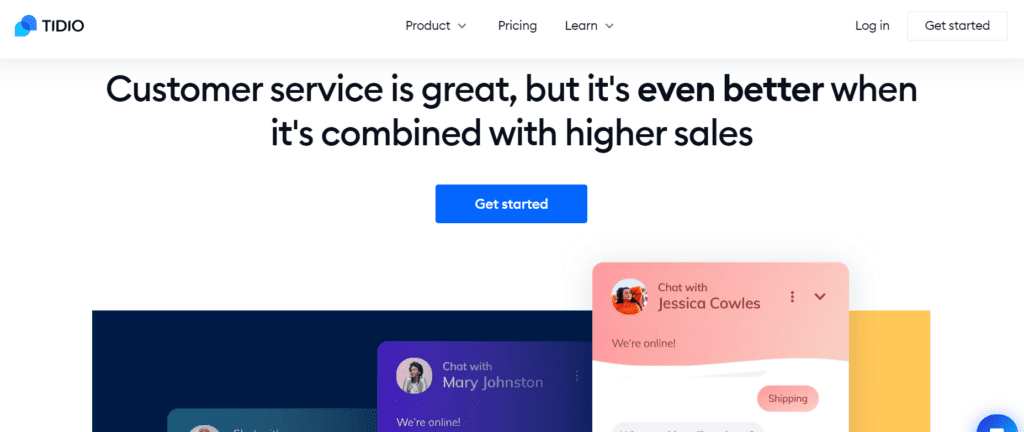
Tidio combines live chat, a messaging inbox that brings together Messenger, Instagram and email, and Lyro, its AI conversational agent. The plugin also integrates with WooCommerce, which makes it possible to see a visitor’s basket during the conversation. According to the vendor’s help centre, data is stored on servers located in the European Economic Area, but customers’ billing data goes to its US subsidiary.
It is a good candidate for an online shop or a services website that wants to try AI without a heavy commitment. Its limit lies in the pricing model: the free plan is capped at 50 conversations per month, and the 50 free Lyro conversations are granted once and for all, not every month.
2. Crisp
Crisp offers a shared inbox that brings together website chat, email, WhatsApp, Messenger and Instagram. Its AI agent, Hugo, learns from the content of your site and your documents, then hands over to a human when it does not know. According to its documentation, messages are stored in the Netherlands and plugin data in Germany, with DigitalOcean. Relay servers in the United States, the United Kingdom and Singapore keep only connection logs.
For an SME in French-speaking Switzerland that wants to keep its conversations in Europe, this is the starting point we recommend. The free version, however, contains no AI credits, and pricing is per workspace, with a number of agents fixed by tier.
3. LiveChat
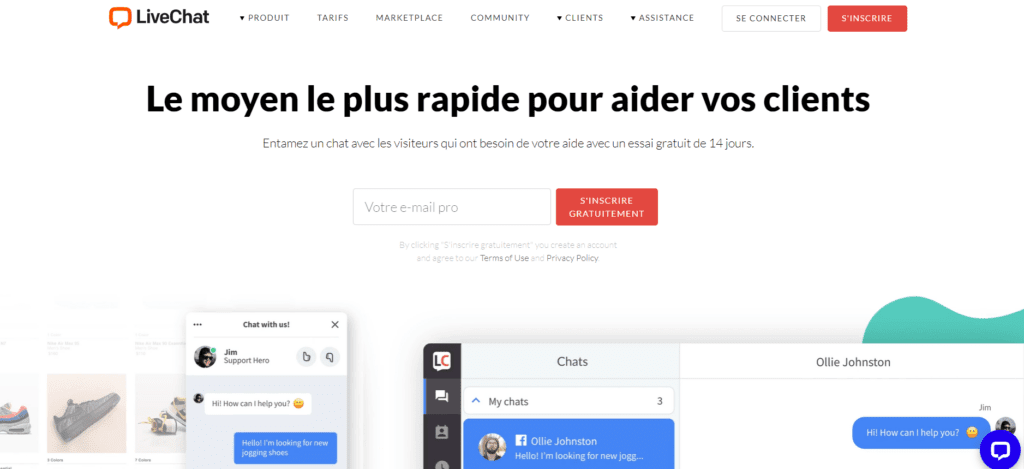
LiveChat targets teams that handle a steady volume: real-time visitor tracking, messages triggered by the page being viewed, saved replies, and basket access on e-commerce sites. The vendor operates two data centre regions, one in the European Union and the other in the United States, and states that you must create your account from a European sign-up page to store your data in Europe.
There is no free version, only a 14-day trial, and the price is calculated per user. With two people, the bill remains reasonable; with six, it becomes a real budget item. The plugin has also not yet been declared tested with WordPress 7.
4. tawk.to

tawk.to remains the fully free option: unlimited agents, with ticketing and a knowledge base included. The vendor sells only the removal of its branding, an AI assistant and even human operators billed by the hour. Its help centre is clear on two points: data is stored in the United States with Google Cloud, and it is kept until you ask for it to be deleted.
We find it suitable for a site that receives simple questions, such as opening hours or availability, and whose chat collects nothing sensitive. For a medical practice, a fiduciary firm or a healthcare provider, US hosting and unlimited retention by default call for configuration and information work that you avoid with a European vendor.
5. Smartsupp
Smartsupp is aimed mainly at online shops, with Mira, an AI shopping assistant that answers questions and recommends products. Its prices are shown in dollars, but also in euros. Its pricing page states that all data is on servers in the European Union, whereas its help centre specifies that this is “mainly” the case, with some data also stored in the United States and other countries.
The free plan, limited to one operator, 25 conversations per month and 14 days of history, is mostly for trying things out. For real use, you need to count on the Solo plan and, if you want AI, the Mira option on top.
6. HubSpot
HubSpot is not primarily a chat tool: its WordPress plugin installs a CRM, forms, email marketing and live chat in one go. The free chat suits two users and carries the HubSpot branding. The AI conversational agent, Customer Agent, is available only from the Professional plans, which come with an onboarding fee of USD 1’500, and it consumes credits for each resolved conversation.
It is the right choice if your company already works in HubSpot, or plans to, because every conversation feeds the contact record. On data, the documentation states that the data centre is assigned according to the location of the sign-up, and that only paid accounts can change it.
7. 3CX Live Chat
3CX Live Chat comes from the world of telephony. The plugin links the site’s chat to a cloud phone system: the visitor can switch from text to a call from their browser, and the team also receives WhatsApp and SMS in the same place. The SMB Free edition is free for up to 10 users and hosted by 3CX.
It mainly appeals to a company that is also looking to replace its landline. For anyone who only wants a chat bubble, it is a lot of tool to learn. The free plan page does not say in which country the instance is hosted, a question to ask before installing.
8. Lime Connect, formerly Userlike
Lime Connect is the new name of Userlike, a German vendor. It brings together website chat, WhatsApp, email and Instagram in a single inbox, with an AI agent and a copilot that suggests replies to operators. Its documentation states that personal chat data is stored exclusively on servers in Germany.
It is the clearest option on the question of hosting, which matters for regulated professions. It comes at a price: the Pro plan starts at three seats, and the AI agent and the copilot are added as options. The free version, one seat and 200 conversations, still allows you to test.
9. LiveAgent
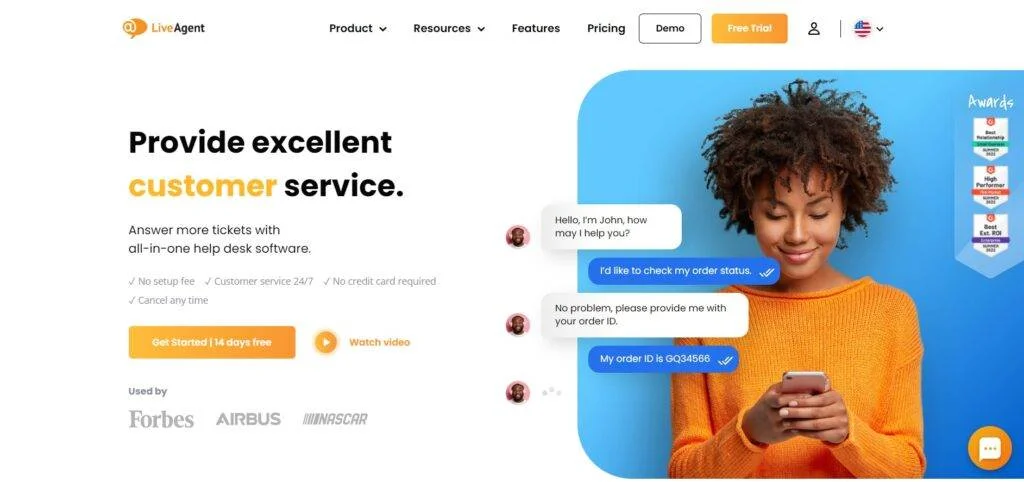
LiveAgent, from the vendor Quality Unit, is a complete customer service software: ticketing, call centre, customer portal and chat. It runs on Amazon Web Services, and the region is chosen at sign-up; for Europe, data stays in Germany and Ireland. A particularity of its AI offer: LiveAgent charges nothing for it, but you pay the chosen model provider directly, OpenAI, Anthropic or Google.
It makes sense for a team that already handles tickets by email and wants to bring everything together. For an SME of five people that just wants to answer visitors, it is oversized. Note also that its displayed entry price, USD 11 per agent, is a promotion valid until 22 November 2026.
10. Chaport
Chaport is the most minimal tool on the list: chat, auto-invitations, saved replies and, on the Unlimited plan, scripted chatbots and an FAQ bot that suggests articles based on the keywords of the question. The free plan includes two operators and 60 days of history, and prices are published in euros.
Its limit, for a Swiss reader, lies elsewhere. Neither its compliance page nor its privacy policy says where the data is hosted, and the contact address given is in California. Until the vendor answers this question in writing, we do not recommend it for a chat that collects customer data.
Drift, Zendesk Chat, Olark, Support Board: why they are left out of the comparison
The wordpress.org directory states that the Drift plugin was closed on 9 December 2022 for failing to comply with the directory’s rules. It can therefore no longer be installed from the WordPress admin.
The Zendesk Chat plugin still exists, but its last update dates from 20 August 2020 and it has only been tested up to WordPress 5.5. Installing a plugin that nobody has maintained for six years means opening a door that nobody is watching.
Olark has not received a plugin update since 25 September 2025 and stops at WordPress 6.8. The service may well still work, but we prefer plugins that are actively maintained.
Support Board, finally, is not distributed in the official WordPress directory, which takes it out of a comparison based on that directory.
Who answers the chat, and at what time
This is the question people forget when choosing the tool. An “Online” bubble promises a reply within minutes. If nobody is available, it produces the opposite of the intended effect, because the visitor feels they have been talking to an empty room.
Take an architecture firm of eight people in Neuchâtel. Nobody there is in charge of reception full time, and the partners spend their afternoons on building sites. For this team, a chat that is open all the time makes no sense. It is better to show it in conversation mode from 8:30 to 12:00, with a named person and a substitute, then switch it outside those hours to a form that announces a realistic response time. This setting is checked in the chosen tool and put in place before going live, not after the first complaint.
The AI agent changes the equation without removing it. It answers recurring questions at night and at weekends, but it only knows what you have taught it: you therefore need to write and keep up to date the knowledge base it draws on, a few hours of work at the start, then regular upkeep. Its answers also need to be reviewed regularly, because a mistake on a price or a deadline binds the company. For a small team, AI is useful when the site receives many identical questions; it is much less so when every request is a special case.
The choice of a chat tool is, moreover, part of a broader reflection on contact channels, the one we conduct in our digital marketing and social media engagements. A chat that duplicates WhatsApp, email and the telephone without a clear rule mainly creates dispersion.
What the visitor types into the bubble: what the nLPD asks of you
In a chat, people spontaneously write their name, email address and phone number, and sometimes much more: a health problem, a financial situation, a dispute. These messages are personal data within the meaning of the Federal Act on Data Protection, in force since 1 September 2023, and you are responsible for them, not the chat vendor.
The law first regulates the use of a processor. Under Article 9 LPD, you must in particular make sure that the vendor is able to guarantee data security, which in practice means signing its data processing agreement. Next comes the question of the country. Article 16 LPD allows disclosure to a country whose level of protection the Federal Council has recognised as adequate, and the Federal Data Protection and Information Commissioner (FDPIC) cites a country of the European Union as an example. For the United States, the recognition in force since 15 September 2024 covers only companies certified under the Swiss-U.S. Data Privacy Framework. For a US vendor, you therefore need to check its certification on the scheme’s public list, or failing that rely on standard contractual clauses. The Commissioner reminds us that a disclosure contrary to Articles 16 and 17 is liable to criminal penalties.
What remains is the duty to inform. Article 19, paragraph 4, provides that when data is disclosed abroad, the person concerned must know the name of the receiving country. Your data protection statement must therefore name the chat tool and the country where it stores conversations. Add to this a retention period that you choose, rather than the vendor’s default, and a sentence in the bubble asking people not to submit sensitive information there. Our nLPD checklist for the website of an SME in French-speaking Switzerland details the other technical points to check.
The hidden cost: one more script on every page
A chat widget is not a simple image. It is a JavaScript program loaded from the vendor’s servers, which runs in the visitor’s browser on every page where it appears, including those where nobody intends to write. On an entry-level phone, this extra work can delay the page’s reaction to the visitor’s first gestures. Google measures this responsiveness precisely with the INP metric, which it considers good up to 200 milliseconds and poor beyond 500.
The documentation of Lighthouse, Google’s audit tool, indeed lists chat widgets among the elements to load by means of a “facade”: a static image that looks like the bubble, replaced by the real widget only when the visitor clicks on it. It also points out the downside, since a deferred bubble does not immediately display its new-message notifications.
The approach we recommend comes down to three steps. First, the home page and a service page are run through PageSpeed Insights, Google’s free tool, before installation. The chat is then limited to the pages where it is really useful, contact, pricing, product page, rather than shown everywhere. Finally, a second measurement shows what the widget has cost. If the gap is clear, deferred loading or the facade is called for.
How to choose your WordPress chat plugin in half an hour
The first criterion fits on one sheet of paper: who will answer, at what hours, and what happens outside those hours. This answer already eliminates some of the tools: a single person does not need software billed per seat, and a team without a permanent presence needs a good offline mode more than a rich dashboard.
Next comes what your visitors are likely to write. For questions about stock or opening hours, hosting matters less, and a free tool like tawk.to will do. As soon as the chat may receive health information, financial data or case documents, we stay with vendors that store conversations in Europe and say so in black and white: Crisp, Lime Connect, Tidio or LiveAgent with the European region.
Checking the plugin itself comes last, and it takes two minutes on its wordpress.org page: date of the last update, tested WordPress version, number of active installations. A plugin that has not moved for more than a year deserves an explanation before it enters your site.
If you would like an outside view to validate this choice with you, nLPD settings and speed measurement included, that is exactly the purpose of the first conversation.
Sources
- WordPress.org: Tidio plugin
- WordPress.org: Crisp plugin
- WordPress.org: LiveChat plugin
- WordPress.org: tawk.to plugin
- WordPress.org: Smartsupp plugin
- WordPress.org: HubSpot plugin
- WordPress.org: 3CX Live Chat plugin
- WordPress.org: Lime Connect plugin
- WordPress.org: LiveAgent plugin
- WordPress.org: Chaport plugin
- WordPress.org: Drift plugin, closed
- WordPress.org: Zendesk Chat plugin
- WordPress.org: Olark plugin
- Tidio: pricing
- Tidio: privacy policy and GDPR compliance
- Crisp: pricing
- Crisp: GDPR compliance status and hosting
- LiveChat: pricing
- LiveChat: data centre in Europe
- tawk.to: pricing and paid options
- tawk.to: use and storage of personal data
- Smartsupp: pricing
- Smartsupp: security and data storage location
- HubSpot: Service Hub pricing
- HubSpot: infrastructure and data hosting
- HubSpot: how Customer Agent works
- 3CX: free WordPress chat plugin
- 3CX: SMB Free edition
- 3CX: licence pricing
- Lime Connect: pricing
- Lime Connect: storage location of personal data
- LiveAgent: pricing
- LiveAgent: GDPR and hosting regions
- Chaport: pricing
- Chaport: privacy policy
- Fedlex: Federal Act on Data Protection (LPD)
- FDPIC: disclosure of data abroad
- Federal Office of Justice: countries recognised as providing adequate protection
- Data Privacy Framework: list of certified companies
- Chrome for Developers: loading third-party resources with facades
- web.dev: Interaction to Next Paint (INP) metric