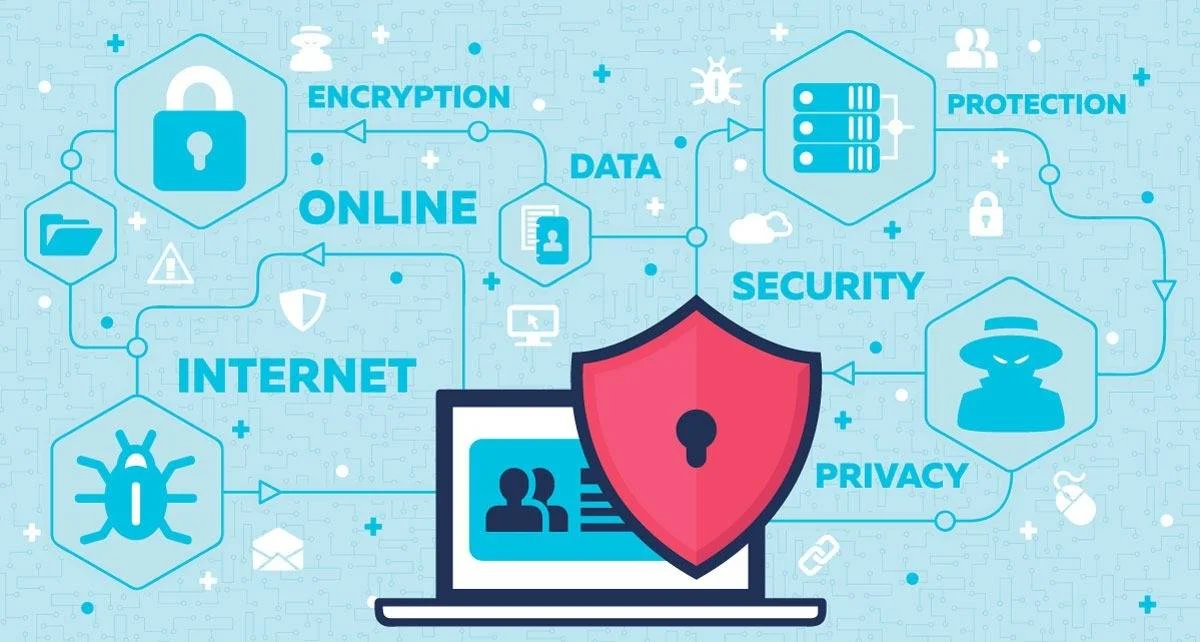
For several years, WordPress has been used to build millions of websites. Many of them store private information: customer accounts, addresses, order histories, requests sent through forms. Card data is generally entrusted to the payment provider, but the rest is enough to make a hack costly. Hence the importance of securing WordPress.
WordPress is used by so many people that you might imagine the CMS is invulnerable to hacking. Reality tells another story.
In fact, this is regularly contradicted, but do not panic, it is perfectly normal.
All software has flaws, and WordPress is no exception. When a WP site is hacked, the culprit is usually not the CMS. It is more often the webmaster who runs the site. In truth, clients ignore the recommendations for securing their WordPress site.
Cybercrime
Experts expect more attacks on WP sites, because many still run versions of WordPress, themes or plugins that no longer receive security fixes.
As a WordPress web design agency in Switzerland, we often hear “I am only a small SME”. Yet whether small or large, in Lausanne, Fribourg or Geneva, no one is spared!
For this kind of hacking, attackers cast a wide net with automated bot attacks. Which raises the real question: how do you prevent hacking and secure a WordPress site?

Our four WordPress security tips to protect your site
1. Protect your admin page
Your admin page is the first thing to secure against cyberattacks. You therefore have to make it hard to reach. Here are 4 essential actions for avoiding unpleasant surprises:
-
WP users know how to reach the admin page. You just type /wp-login.php or /wp-admin. Moreover, any bot will add this link to your URL. You then become vulnerable. Changing the address of the login page reduces bot noise, but does not protect you on its own: the official WordPress documentation points out that security through obscurity is a weak strategy when it serves as the main defence. The following measures matter more.
-
Use an “anti-brute force” system that will lock your site after several failed login attempts. This protection prevents forced attacks. When someone tries to get in with an incorrect password, the page locks. You then receive an alert by email or SMS. Plenty of dedicated plugins exist to strengthen your WordPress site.
-
Set up two-factor authentication on the admin page. As administrator, you choose the method. The second factor can be a code generated by an authenticator app, a physical security key or, failing that, a code received by SMS. A stolen password is then no longer enough to log in.
-
Choose a long, unique password of at least 15 characters (a passphrase works), stored in a password manager. Change it as soon as a leak is suspected: NIST no longer recommends mandatory periodic changes.

2. Use secure hosting for WordPress
To secure a WordPress site, you need to go beyond simply blocking access. Your site must also be protected at web server level. That is where your host comes in. Take the time to look for a reliable host such as Infomaniak or Cloudways.
Ideally, your server should have a firewall and intrusion detection systems. These tools protect your site from the moment WordPress is installed and throughout its development. On that note, Cloudflare, even in its free version, also provides effective protection by filtering traffic directly.
With cloud hosting, the provider must ensure that the software on its servers protects your site while remaining compatible with the latest versions of WordPress. Our managed WordPress hosting service explains the backup, monitoring and support provided.
3. Use WP with the latest updates
To secure a WordPress site properly, you need to keep it regularly maintained by updating every version.
Just as you change your car’s oil or mow your lawn, maintain your WordPress site. The WordPress core, plugins and themes all need frequent updates.
The annual Patchstack report, published in 2026 on the year 2025, shows where the risks lie. Of 11’334 new vulnerabilities recorded in the WordPress ecosystem, 91% concerned plugins and 9% themes; WordPress core had only 6, judged low priority. The same report notes that 46% of the flaws had no vendor patch yet at the time of their publication, and that the most targeted flaws were exploited en masse within a median of 5 hours.
Plugins are therefore what demand the most vigilance. Since WordPress 5.5, automatic updates are enabled plugin by plugin and theme by theme, from the plugins or appearance screen. We recommend enabling them after setting up automatic backups that let you roll back. Also delete the plugins and themes you no longer use, as the WordPress documentation recommends. Finally, the PHP version matters: our article on the PHP2Shell flaw explains why sites still on PHP 7 or 8.1 are exposed.
Whether or not you like the latest WordPress features (yes, I am talking about you, Gutenberg), updates are nevertheless no longer optional if you want to secure your WordPress site.

4. Isolate each site and leave no obsolete site on your server
Imagine having 4 sites on your server account. Three are updated regularly; the fourth, an old version of your site or a forgotten campaign page, is not. That is the one a bot will find. If it shares the same account as the others, a flaw on this forgotten site may be enough to drop a script and reach the files of the other three.
We therefore advise three rules. Delete any site that is no longer in use, rather than leaving it online “just in case”. Give each site its own account and its own database, managed by a separate user, as the official WordPress documentation recommends when several sites live on one server. Finally, limit file write permissions to what is strictly necessary.
On shared hosting, these rules matter even more: the same documentation points out that a site can be compromised there even when all good practices are applied. Keep backups of the database and files outside the server, and test restoring them from time to time: a backup stored in the same place as the site can disappear along with it.
And finally…
Here are a few additional tips for securing WordPress:
- Choose quality WordPress themes that their creators update regularly. Above all, always check the history before selecting a free WordPress theme.
- Avoid using “administrator” as a username. Unfortunately, many WordPress webmasters go for “admin”. Obviously, this makes the login easy to guess on their WordPress site.
- Disable file editing and modification directly from the WordPress dashboard. One line in the wp-config.php file is enough (
define( 'DISALLOW_FILE_EDIT', true );): according to the WordPress documentation, it does not prevent malicious files from being uploaded, but it can stop some attacks.
My WordPress site has been hacked: what should I do?
The official WordPress documentation offers a procedure that we summarise as follows. Stay calm and note what you observe, with the time: this will be the basis of the incident report. Scan the site with a scanner, and your own computer with antivirus software, because the infection sometimes starts from a machine that has leaked credentials. Notify your host, especially on shared hosting.
Next, change all credentials (WordPress, FTP or SFTP, hosting panel, database) for all users, and renew the secret keys in the wp-config.php file to log out any open session. Make a copy of the infected state before cleaning, reinstall WordPress core in the same version, check the .htaccess file, then update everything and change the passwords a second time once the site is clean. Finally, registering the site in Google Search Console helps you spot any flagging as a dangerous site.