

You know as well as I do that keeping good communication with our clients is essential when growing a business. And when it comes to doing that on your WordPress site, live chat plugins have become unavoidable. Phone calls and emails? Too passive! That is where these WordPress tools come in. A good chat plugin answers questions, eases concerns and solves problems around the clock. In today’s ultra-competitive market, it has become a must-have for any self-respecting WordPress site.
WordPress live chat plugins let you keep that valuable link with your customers and collect their feedback. They help you catch the attention of new prospects while building loyalty with your existing customers. From simple interfaces to advanced tools, there is something for every need.
In this article, I dive with you into the 10 best chat plugins for WordPress that will help you gather feedback, answer your visitors’ concerns and act quickly when needed.
The best live chat plugins for WordPress
1. LiveChat
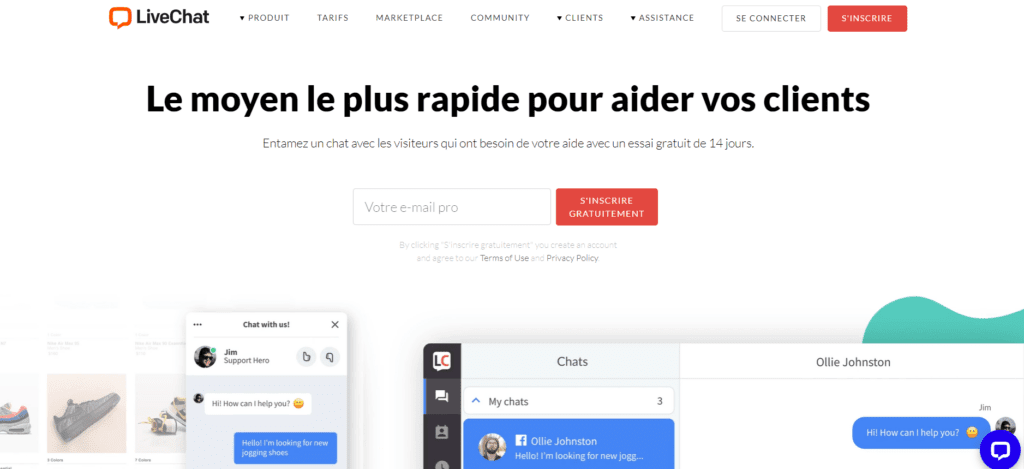
LiveChat is one of the most widely used WordPress plugins for starting a conversation with your visitors. It lets you talk live with your customers and answer their requests through a simple widget. The little extra? You can even send personalised messages when you are offline.
I love this plugin because it offers an innovative way to talk with clients and prospects in real time. No more waiting on the phone! Your visitors ask their questions instantly, which helps improve their satisfaction and strengthen their loyalty.
LiveChat stands out for its many features, which make it one of the best choices for adding a chat to your WordPress site:
2. Tidio
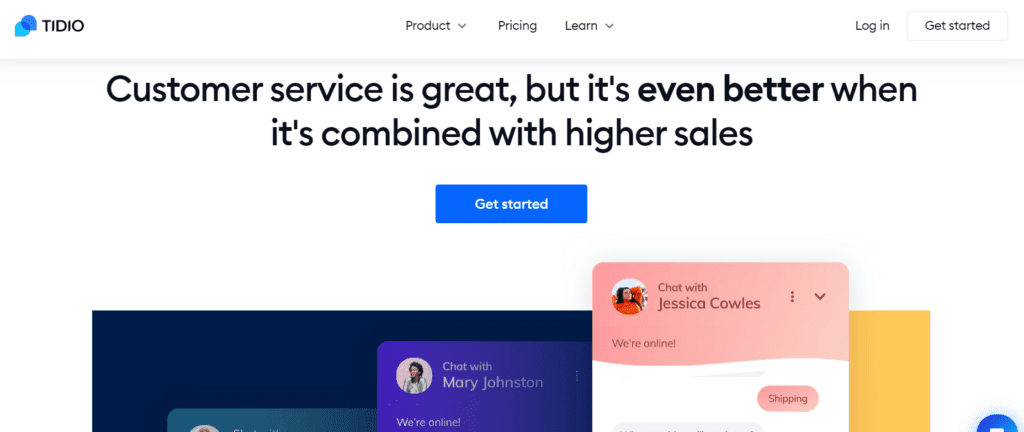
Looking for a simple, intuitive WordPress chat plugin? Look no further! Tidio offers all the essential features and is quick to get to grips with. This plugin lets you talk with your visitors, gather their feedback or answer their questions. All while creating interactive conversations that build loyalty.
At Smart Impact, we often recommend Tidio to micro-businesses and SMEs that want to provide responsive customer service without breaking the bank. This platform lets you answer questions quickly while visitors browse your WordPress site. You can also gather their feedback on your products or services.
Tidio’s interface is genuinely intuitive. Creating a chat function for your WordPress site becomes child’s play. Simply install the plugin, then customise it to your taste with drag-and-drop tools. Even the most technophobic manage it!
The advantages:
3. Crisp
Want to open more conversations with prospects through your WordPress site? Crisp could well be the perfect chat plugin. It supports your growth work impressively. I particularly like how this WordPress plugin creates an opportunity to engage with your visitors. They can discuss their experience and ask all their questions. This plugin contains everything needed for dynamic, effective conversations.
Crisp’s main strength? Its convenience and its flexibility. Very easy to set up and customise, it is the ideal solution for companies looking for quality client support without breaking the bank. You can adapt the colours, the branding and much more to create a conversational experience that genuinely reflects your identity.
What is more, Crisp does not skimp on advanced features: built-in AI chatbot, automated triggers based on user behaviour, analytics tools, remote team collaboration… Enough to delight even the most demanding users!
The advantages:
4. Olark
No technical skills on your team? Olark is made for you! This WordPress plugin lets you start the conversation as soon as a visitor arrives on your site. I particularly like how it makes exchanges between you and your clients easier, helping you multiply prospects and grow your business.
Olark shines through how simple it is to use, both for WordPress site owners and for clients. Companies can easily integrate this powerful tool on their site and start providing chat support immediately. Your clients will appreciate getting instant answers from knowledgeable agents without leaving your site. Conversations become more effective and faster since everything happens in real time.
The bonus? Olark offers analytics features that help you measure your performance over time. You can track customer requests and replies across different channels and adjust your strategy accordingly.
The advantages:
5. Tawk.to

Tawk.to is my favourite among WordPress plugins when I want to interact with visitors. This plugin lets you start rewarding conversations with your customers and learn a great deal from their opinions to improve your business. Start stimulating exchanges and reach more prospects!
Installing Tawk.to on WordPress is child’s play. You can then customise the colours, fonts and logo for a professional style that reflects you. On the feature side, you get automatic welcome messages, visitor tracking, proactive messaging, canned responses and much more. The icing on the cake: multilingual support lets you communicate with customers around the world.
At Smart Impact, we particularly like its integration with other applications such as Facebook Messenger and Twitter DM. It lets you centralise all your client communication on a single platform. Handy, isn’t it?
The advantages:
6. ZenDesk

Growing your business in today’s digital environment gets complicated if you cannot answer client questions in real time. ZenDesk, a powerful WordPress plugin, solves that problem! I like how this plugin lets you have dynamic conversations with your clients, answer their requests and gather their valuable feedback.
The advantages:
7. Live Agent

Live Agent has grown in popularity among WordPress plugins in recent years, and for good reason! This plugin cleverly combines live chat with a complete support system. Multichannel and packed with powerful features, Live Agent focuses on premium customer service by making communication with your visitors easier.
The advantages:
8. Support Board
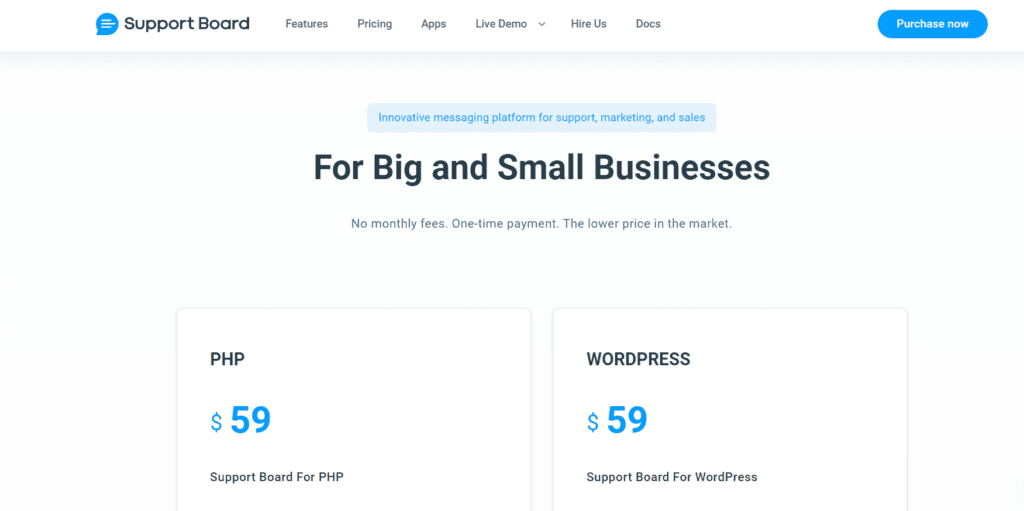
As its name suggests, this WordPress plugin is designed to provide answers to your clients’ questions and problems. Support Board relies on AI chatbots to automate responses to user requests. If you are looking to boost your productivity on WordPress while automating routine interactions, this plugin could be perfect for you.
The advantages:
9. UserLike
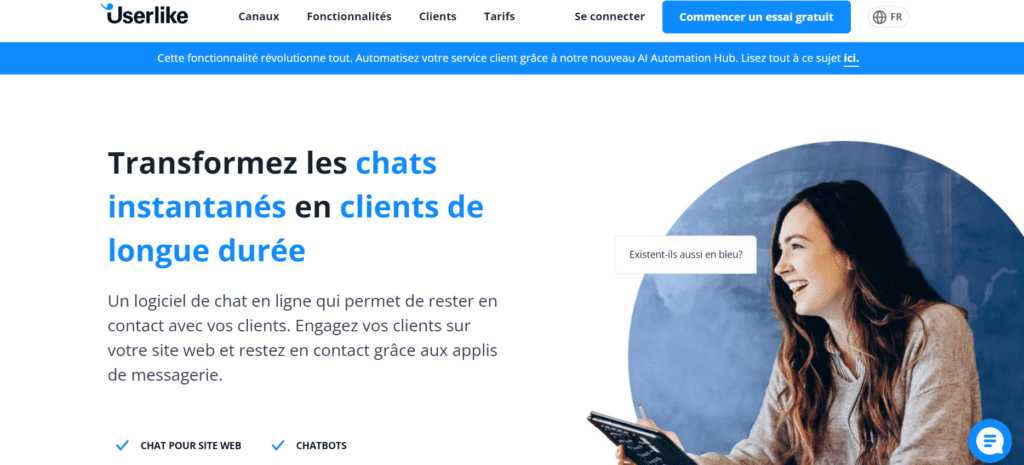
Would you like to answer your clients through social networks such as Facebook Messenger or Telegram from your WordPress site? UserLike is made for you! I love this plugin, which combines all the essential chat features while integrating perfectly with your favourite social channels.
The advantages:
10. Drift

Compared with its competitors in the WordPress ecosystem, Drift stands out for its commercial focus. This attractive plugin excels at lead generation and conversion. The extra touch? It tracks visitor data and client insights in real time. At Smart Impact, we often recommend it to B2B companies that want to turn their visitors into clients.
The advantages:
The final word
These 10 WordPress live chat plugins will boost customer engagement and strengthen your relationships. Whether it is offering real-time support or integrating a chatbot easily, these tools considerably improve the user experience on your site.
Now that you know the essential criteria for choosing a WordPress chat plugin, you can make an informed decision for your site. Do you have specific questions about any of these plugins? Feel free to contact me, I would be delighted to guide you!